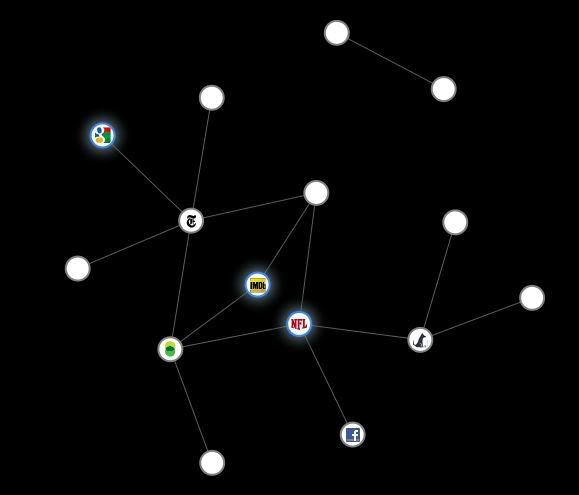
Each circle represents sites who's cookies you got from visiting sites shown in the glowing circles.
This is the graph after visiting the New York Times, imdb, and NFL.
This is the graph after going through a few Photobucket pages
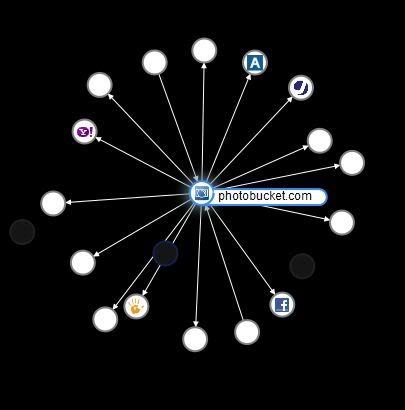
After full session of surfing you will get very confused with so many circles. If you want to see tracking cookies from a single site, just select it's circle.
This video is showing how add-on works
If you want to install it head over to the Mozilla's web-site.
When you install it you should see small icon in the bottom right corner of your browser. If the add-on bar is not visible, right-click on New Tab sign ( + ) and select Add-on Bar

2 comments:
thats a really interesting UI, i like it
Great post, I like the video too!
Post a Comment